A quiet desk for a busy mind

A quiet place for everything on your mind.

Notes, tasks, ideas, journaling, and reflection — beautifully organized across Windows and Android.

Use Nook locally without an account. Sign in only when you want device sync.

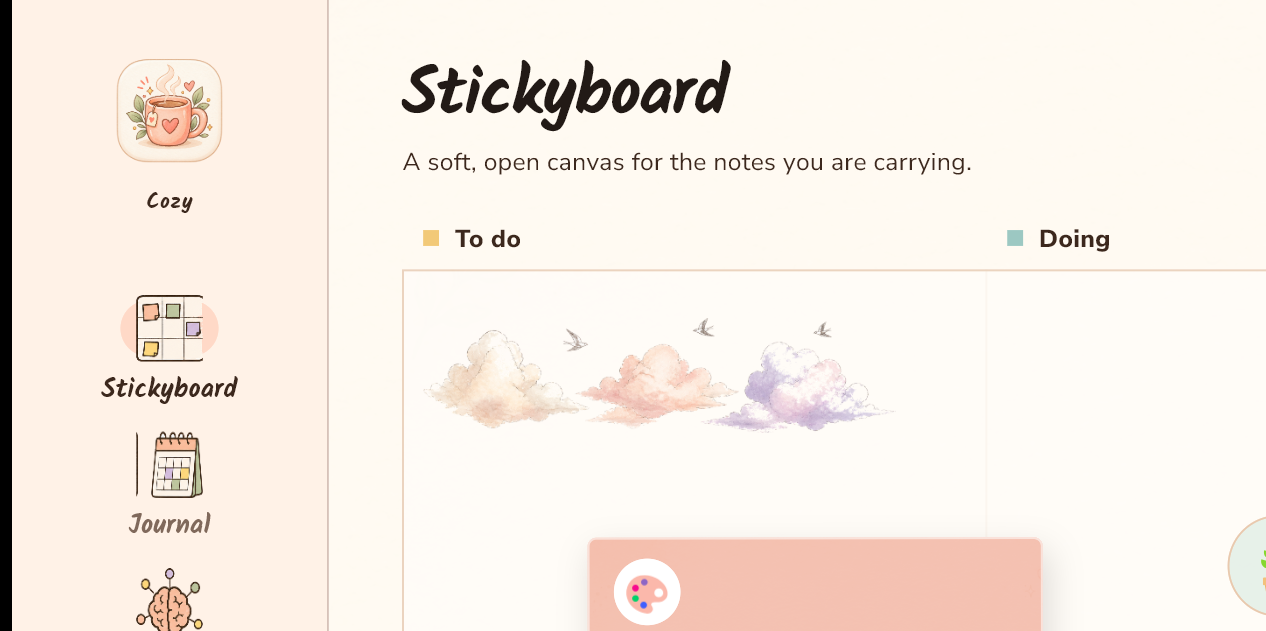
Windows appReal Nook Windows Stickyboard screen with warm paper cards and a visual To do and Doing board.
Nook app icon
Android appTesting channel

Made for quick capture away from your desk.

made for the in-between moments
01Capture the thought.
02Give it a place.
03Come back when ready.

Your nook, in a few familiar places

Room for the practical and the personal.

Nook keeps the everyday close without making your inner world feel like a spreadsheet.

Stickyboard · WindowsReal Nook Windows Stickyboard screen with a visual To do and Doing board.

Stickyboard

Tasks without turning life into project management software.

A soft, open board for the things that need attention. Keep the next small thing visible, move it around, and let the rest wait its turn.

A visual board that feels more like a desk than a queue.
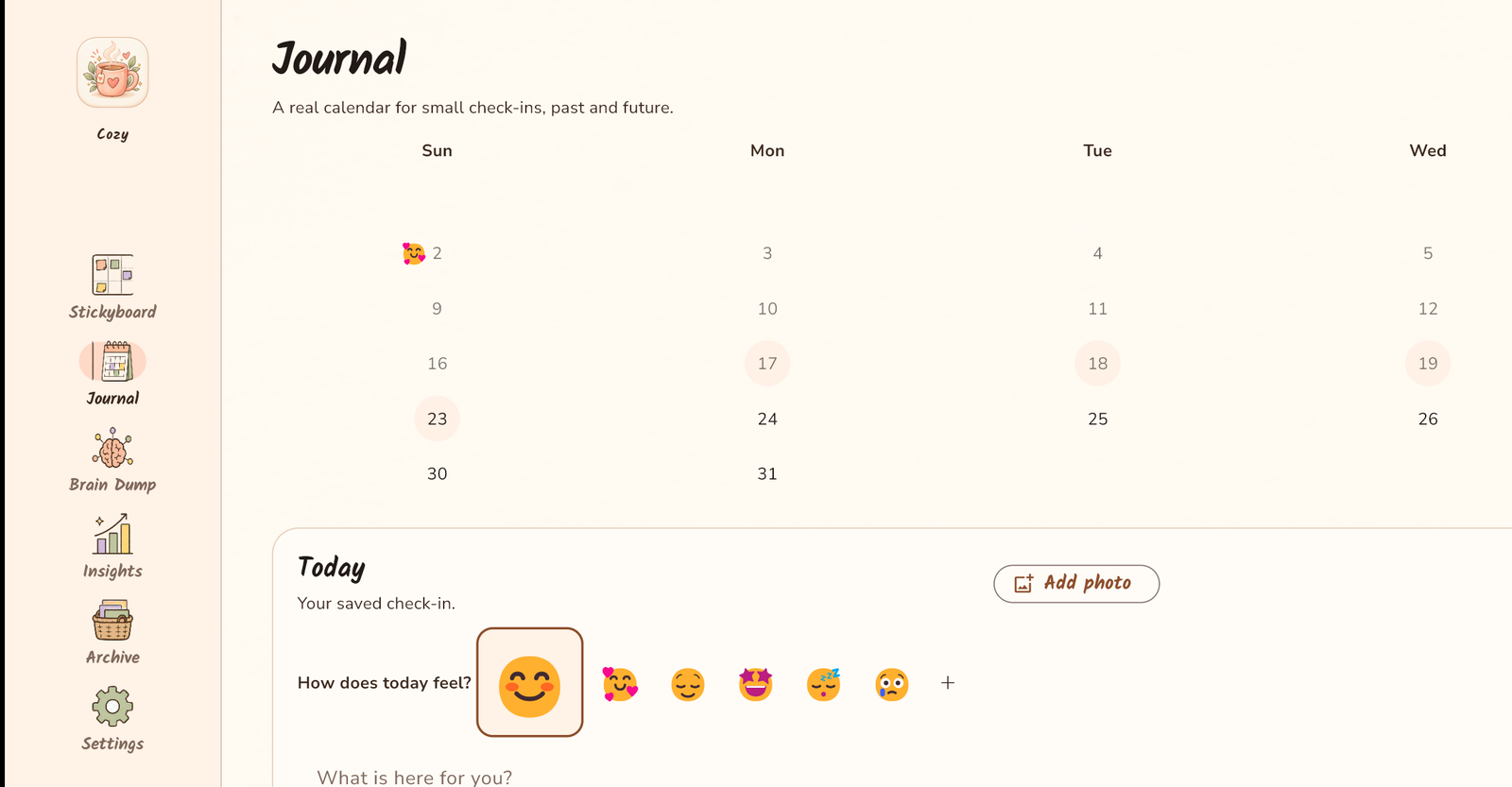
Journal · WindowsReal Nook Windows Journal screen with a calendar and a daily check-in area.

Journal

A place for how the day actually felt.

Keep small check-ins close to the calendar. No performance review, no streak pressure — just a little room to notice the day.

A real calendar for past, present, and future check-ins.

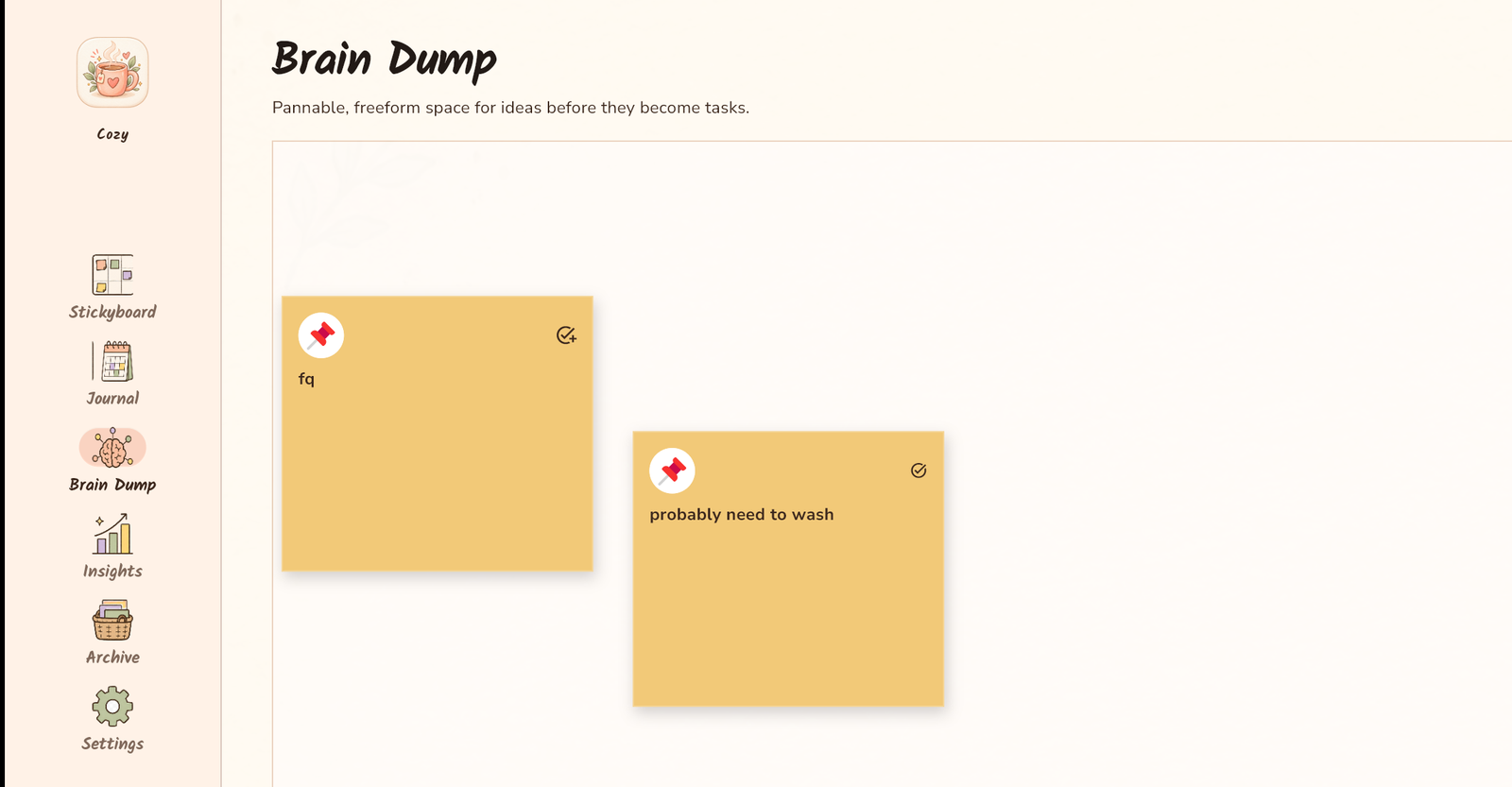
Brain Dump · WindowsReal Nook Windows Brain Dump screen with colorful freeform idea cards on a canvas.

Brain Dump

Catch ideas before they become obligations.

Put the loose thoughts somewhere safe first. Sort, move, and shape them later when you have the attention to do it.

A pannable, freeform space for ideas in motion.

A small toolkit for a full life

Keep the pieces that make a day feel like yours.

Each corner has one job, and does it gently.

04

Notes

Give bigger ideas a calm page with room to grow.

05

Collections

Keep related pages close so good ideas can find each other.

06

Insights

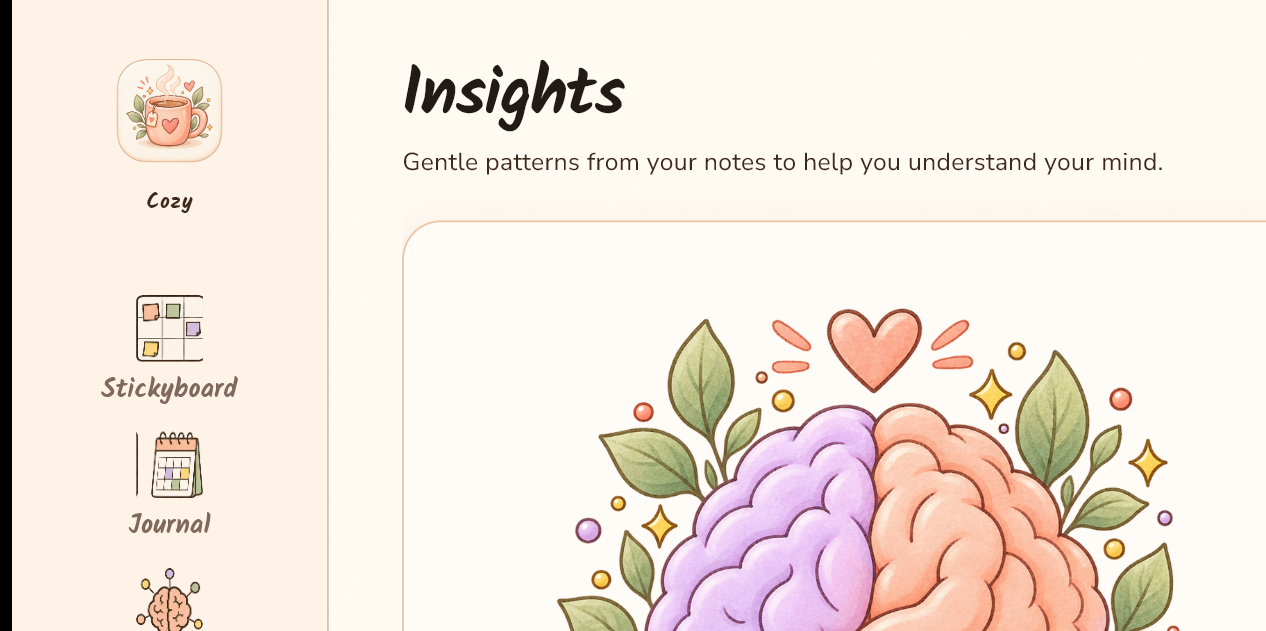
Reflect on patterns without turning yourself into analytics.

The important part

Works offline first.

Your Nook is stored locally on your device, so you can keep writing when the internet is nowhere to be found.

Keep using Nook without an account.
Turn on optional sync when you want your devices connected.
Your local notebook stays the immediate source of truth.
Read the full sync story
Windows Nookyour quiet desktop
local
Nook Syncoptional, when you need it
connected
Android Nookyour pocket-sized nook
local

A softer way to organize

Not another place to perform productivity.

Nook is for the list you keep rewriting, the idea that arrived in the shower, the page you want to revisit, and the few minutes you finally kept for yourself.

“Make room for the thought before deciding what it needs to become.”— the Nook approach
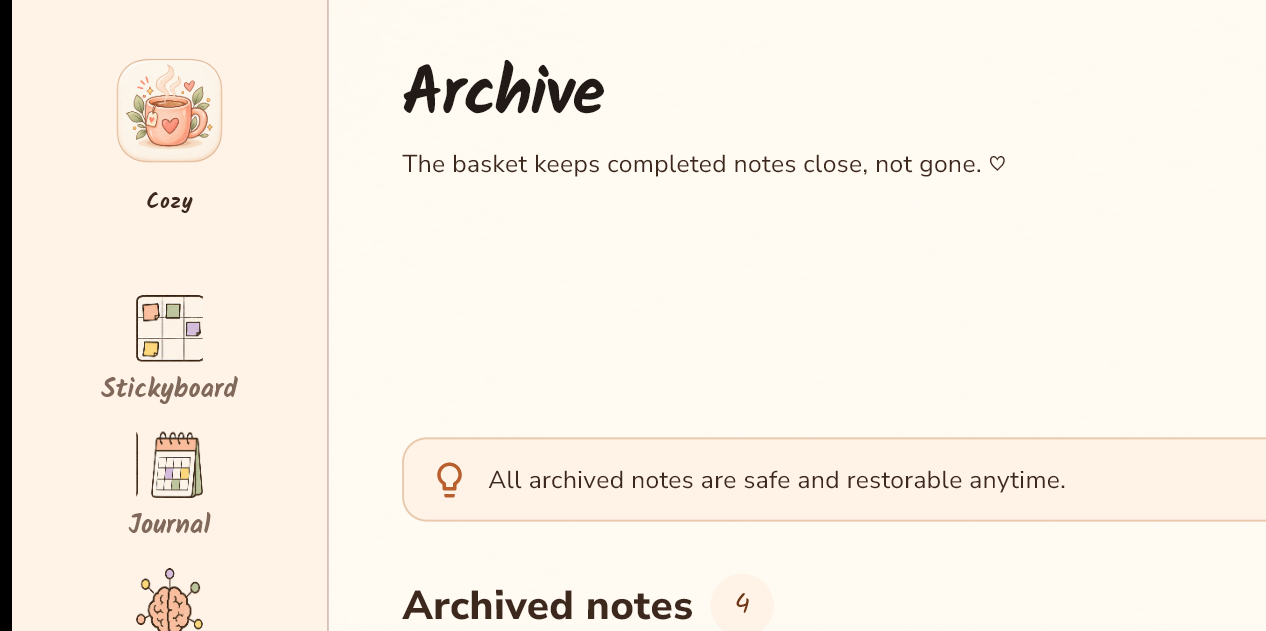
Archive · WindowsReal Nook Windows Archive screen showing completed notes kept close and restorable.

Make a little room for what matters.

Bring your notes, tasks, and ideas somewhere calm.

Explore Nook